They say you're obsolete.
Maybe it's the whole idea of "working for someone else" that's obsolete.
In the age of AI, the real question isn't whether machines replace people.
The real question is:
Who owns the machines?
Who owns the pipeline?
Who owns industrialized productivity?
If the answer is always Big Tech,
then AI isn't empowerment.
It's just a new wall.
I'm Eric.
This isn't a demo.
Not a toy.
Not a crippled edition.
This is the industrialized drama-production line our own team runs every day.
From script to storyboard, from assets to finished film — the whole chain.
Because people aren't beasts of burden.
Because creativity is humanity's last line of defense.
What DramaClaw sets out to do is simple:
Tear down the wall.
Put the industrialized drama-production power that only Big Tech had
into the hands of ordinary creators.
The code is here.
If this resonates, leave a ⭐.
We'll keep tearing down walls.
And yes, you can make money with it.
DramaClaw is Elastic License 2.0. Run it, modify it, sell what you build with it —
the standalone version is free for commercial use, no permission needed.
We ask for one thing: a small "Powered by DramaClaw" in the corner of your UI.
The only door still closed is wrapping it up as a hosted SaaS for other people; that license isn't open yet.
Why, and the FAQ: #475.




English | 简体中文 | Tiếng Việt | ไทย | Website | Docs | Quick Start
Real short dramas our team produced on this very pipeline — click a link to play.
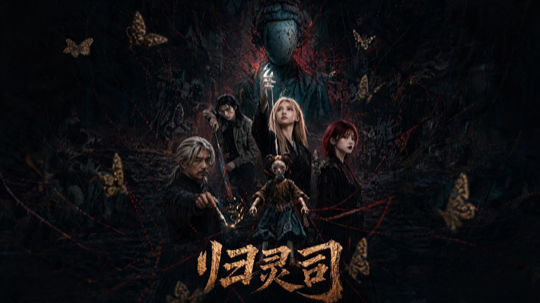 归灵司 ▶ 第 1 集 |
 鲁班 ▶ 第 1 集 |
 师兄你怎么不舔了 ▶ 第 1 集 |
 天命不可欺 ▶ 第 02 集 · 第 58 集 |
 乌龙仙途 ▶ 第 1 集 |
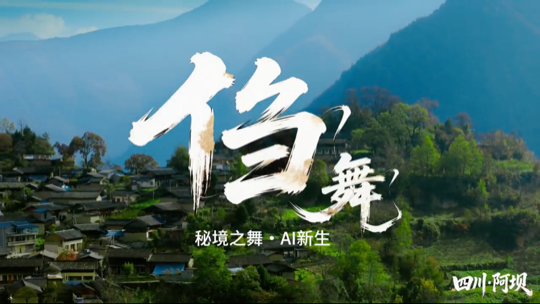 非遗㑇舞 ▶ 播放 |
More clips: 3D 动漫混剪 demo · 动态打斗
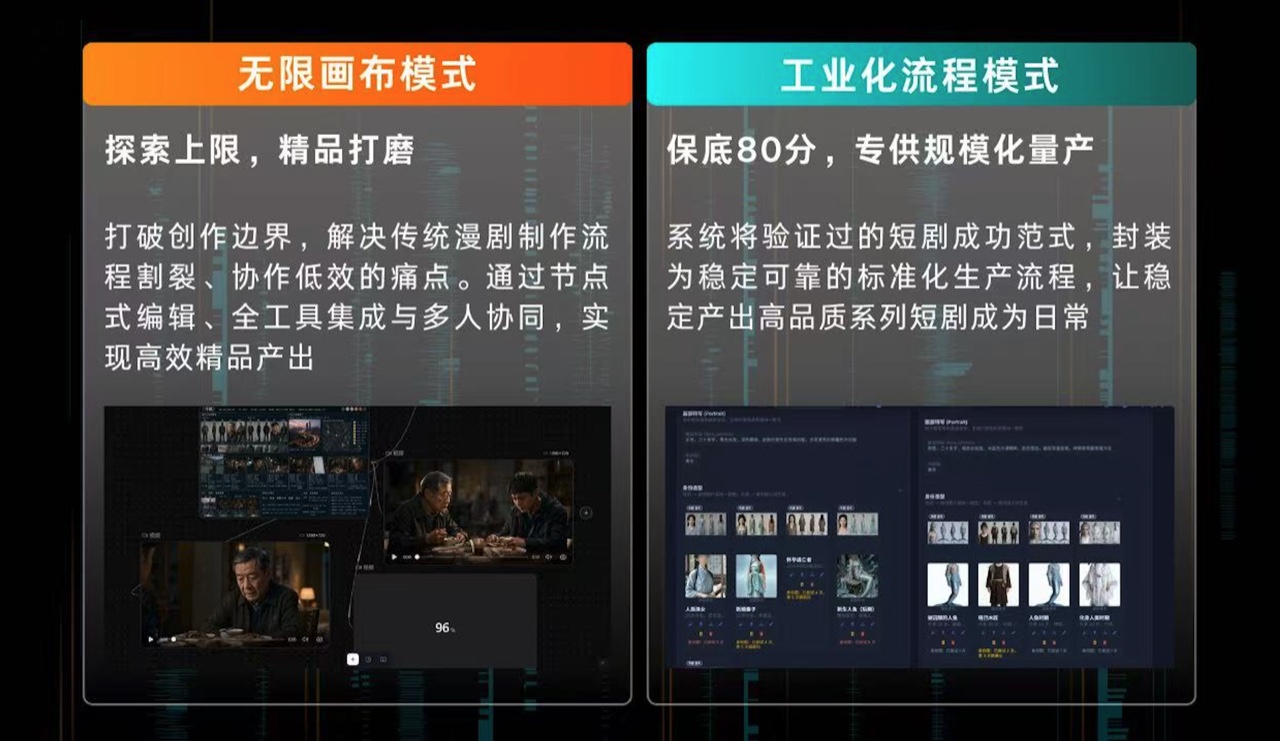
DramaClaw is a source-available production line for AI drama — and, increasingly, for any visual story you want to tell with generative models. It has two faces that share one asset library and one agent:
- XiaHua — the infinite canvas. A node-based workbench where you generate, edit and connect images, video, audio, 3D sets and scripts freely, then promote what you like back into the series. This is where most of our own creative work happens today, and where DramaClaw is heading.
- Series (XiaJi) — the pipeline. Drop in a manuscript or screenplay and DramaClaw takes over the heavy lifting: structuring the story, planning episodes, writing scripts, drawing storyboards and first frames, synthesizing voice-over, and cutting the final film.
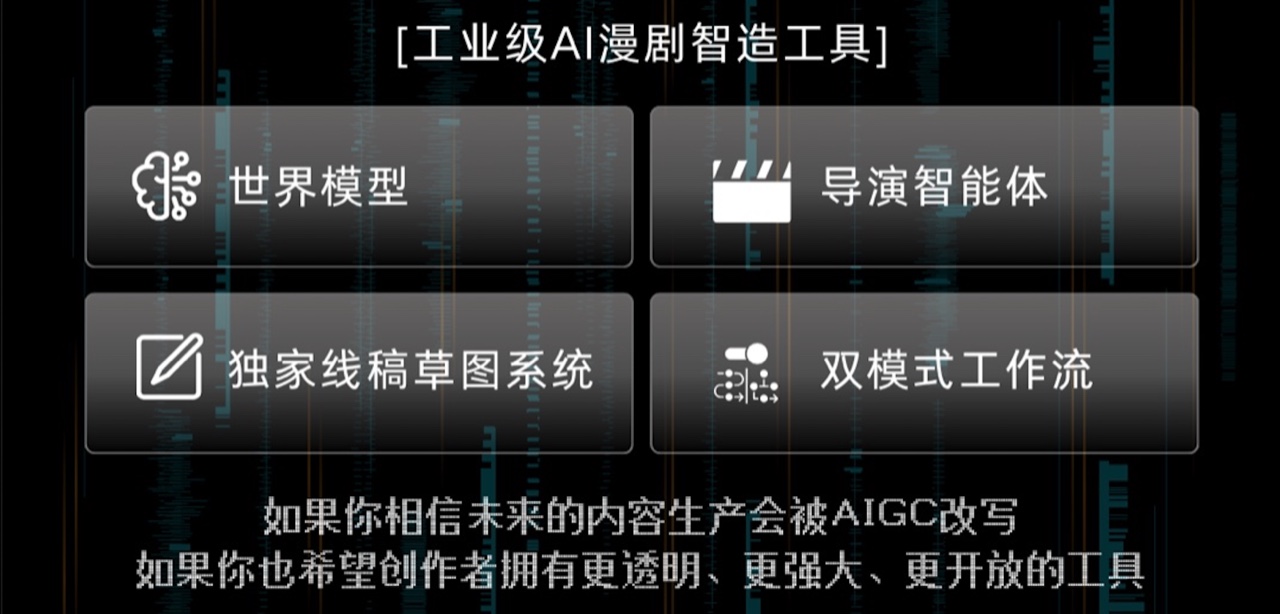
Xia Director, the built-in agent, sits across both: it answers questions about your project, drives pipeline tasks, and can build and run node graphs on the canvas for you.
It's built for creators, indie studios and creative engineers — run the whole "drama factory" on your own machine, without stitching together a dozen disconnected tools or handing your material to an opaque black-box cloud service. Although it's built around drama, the same canvas and pipeline carry to short-form ads, e-commerce product videos and other visual formats.
One prompt to Xia Director (right) became this 17-node, 32-edge workflow on the canvas (left): brief → story direction → character and set references → five shot first frames → five shot videos → voice-over and score → final cut.
- 18 node types on one canvas — upload, image generation / edit, storyboard generation, script, beat context, video, video compose, video story, audio, style, skill, group, text annotation, 360° panorama viewer, 3D world, export and more. Connect them freely; every node keeps its own generation history.
- Image tools — generate, edit, redraw, outpaint, relight, upscale, multi-view, template edit, reverse-prompt, mark detection; a style wall of 45 short-drama looks for image-to-image
- Video tools — text / image / keyframe to video, omni-reference generation with file, web-link and on-canvas references, video edit, erase, upscale, audio separation, camera templates, shot analysis; Seedance 2.5 in the recommended catalog
- Audio — speech synthesis with a voice library, reference voices, music generation
- Canvas skills — one-click skills such as sketch-from-context, frame-from-context, set-background, scene-360, frame review and beat-graph planning
- Built for big canvases — canvas tabs, element outline, minimap and viewport bookmarks, snap-align, level-of-detail rendering, multi-select and group nodes, keyboard shortcuts, revision history with restore, per-canvas locking
- Commit to the series — preview the impact, then promote a single node or a whole batch into the asset library or an episode; project the series back onto a canvas from presets
- Director World — spatially consistent sets — image → 3D Gaussian Splat set and scene-360 panoramas as canvas nodes: a framable virtual set that locks spatial structure, character blocking and camera placement, so the same location stays consistent across shots; frame the shot in the 3D viewer, capture it, and use it as the background for the next generation

Every step has its own interface — run them in order, skip steps, resume from any checkpoint, or even plug in your own orchestrator.
- Structured ingest — new projects build episodes, characters and scenes straight from the manuscript or screenplay (Fountain supported), no knowledge graph or embeddings required; the Cognee story-graph path remains for legacy projects
- Asset library & identity consistency — characters, scenes, props and voices organised by purpose and folder; stable identities across episodes, character portraits and per-episode variants
- Episode planning & script generation — chapter segmentation, beat planning, multi-episode arcs; adaptive / literal / staged script modes with review-and-repair loops
- Storyboards & first frames — beat-driven stylized generation, grid splitting, image-pool selection
- Voice-over, video composition & export — emotion-aware speech, episode assembly, video + subtitle export and the full asset pack
- Visual Style — upload a reference image to extract style parameters and apply them across the whole project
- Task Center — status, progress, logs, cancel / retry, resume-from-checkpoint for long runs; prerequisites are validated before a job is queued

Today
- Knows your project — checks progress, advances script / shot tasks, audits deliverable completeness and suggests next steps
- Open to other agents — a local MCP server exposes DramaClaw to Claude Code, Codex and any MCP client (loopback-only, explicit trust flag); see MCP for Claude Code
Next
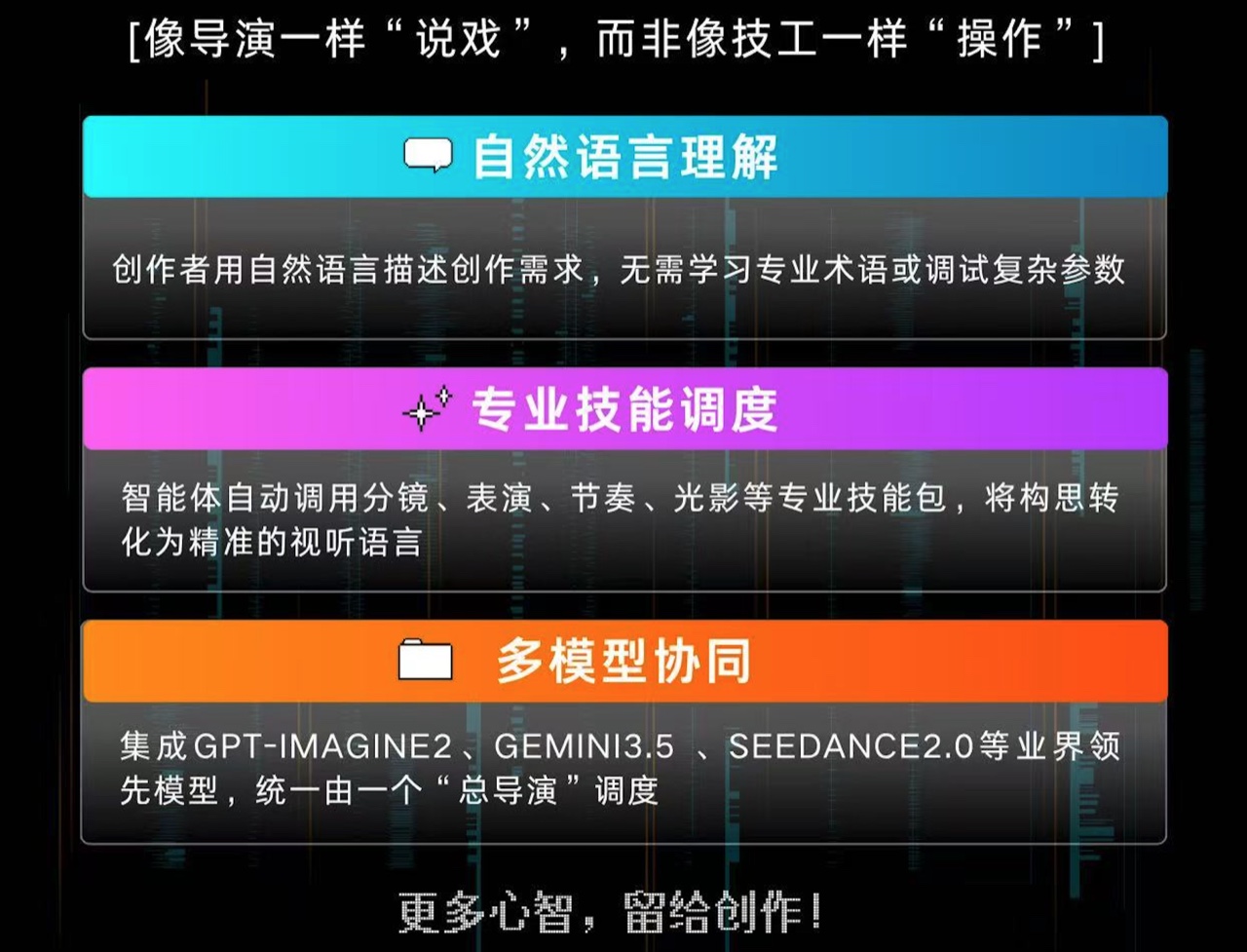
- Works on the canvas — the screenshot above is where this is going: describe the film, and Xia Director creates and connects the nodes, lays them out, runs them, and reviews the results, with every canvas command approved in your browser first. Canvas + agent is the core of DramaClaw from here on; see In Development.
A canvas that understands drama, and an agent that works on it. Generic node canvases will wire anything together but know nothing about episodes, characters or shots; series tools know the craft but lock you into a wizard. XiaHua gives you the free canvas with drama-aware nodes and skills, and Xia Director is being built to lay out, run and review those graphs for you. That combination is where DramaClaw is going.
Built for novel-to-short-drama. General workflow tools can wire nodes together, but they don't know what an "episode beat" is, don't understand why a character's cross-scene identity consistency matters, and won't guard a chapter's emotional arc across image + voice + editing. DramaClaw builds all that judgment into the tool.
Canvas and pipeline, not canvas or pipeline. Most tools give you either a free node canvas or a rigid wizard. DramaClaw runs both as dual tracks over one asset library: explore on the canvas, commit what works to the series, project the series back onto a canvas. The agent works on both.
Every step is decomposable. Each stage is an independent async task with its own interface. Run sequentially, skip steps, resume mid-way — the toolchain itself is the product, with no hidden black box.
Self-hostable, model-neutral. Your manuscript, your characters, your models, your servers. Use closed-source frontier models when you want the best results; switch to open-weight models when you want full control. DramaClaw won't lock you into any single vendor.
The edge isn't "more generation" — it's organizing the whole short-drama production loop (script → assets → shots → canvas → final cut) into something reusable, collaborative and scalable.
Legend: ✅ Full · ◐ Partial · ○ Planned · ❌ None — competitor names partially masked; comparison based on publicly available product docs and positioning.
| Capability | L*TV | R*Hub | T*Now | S*ko | U*dream | O*II | J*/K* | DramaClaw |
|---|---|---|---|---|---|---|---|---|
| Storyboard preview (script→shots, boards) | ◐ | ✅ | ◐ | ✅ | ◐ | ❌ | ❌ | ✅ |
| Interactive series (multi-episode, branching, IP) | ◐ | ◐ | ◐ | ✅ | ◐ | ❌ | ❌ | ✅ |
| Asset library (characters/scenes/props/voices) | ◐ | ❌ | ◐ | ✅ | ◐ | ○ | ❌ | ✅ |
| Scene consistency (variants, 360°, multi-state) | ✅ | ◐ | ❌ | ❌ | ○ | ❌ | ❌ | ✅ |
| Director's world (360°/3D set, camera, framing) | ✅ | ◐ | ❌ | ❌ | ◐ | ❌ | ❌ | ✅ |
| Final delivery (multi-shot, subtitles/SRT, pack) | ✅ | ○ | ○ | ✅ | ✅ | ❌ | ❌ | ✅ |
| Team production (sharing, roles, tasks, cost) | ✅ | ✅ | ○ | ✅ | ○ | ○ | ○ | ✅ |
| Infinite canvas (node-based, free exploration) | ✅ | ✅ | ✅ | ❌ | ✅ | ✅ | ✅ | ✅ |
| Dual-track (main pipeline + canvas exploration) | ❌ | ❌ | ❌ | ❌ | ❌ | ❌ | ❌ | ✅ |
| Custom style (templates, prompts, negatives) | ✅ | ◐ | ○ | ✅ | ◐ | ○ | ◐ | ✅ |
| Built-in agent (assistant, skills, suggestions) | ✅ | ✅ | ✅ | ○ | ✅ | ○ | ✅ | ✅ |
| Creative companion (persona, nudges, feedback) | ❌ | ❌ | ❌ | ❌ | ❌ | ❌ | ❌ | ✅ |
| Source-available (self-host, fork, customize) | ❌ | ❌ | ❌ | ❌ | ❌ | ❌ | ❌ | ✅ |
DramaClaw runs all inference through an OpenAI-compatible gateway — either the official RelayClaw service or the bundled dramaclaw-gateway routing to providers you configure. Nothing runs models on your machine, so the local footprint is light. An ordinary laptop or a small VPS is enough.
| Item | Requirement |
|---|---|
| CPU / RAM | ≥ 2 vCPU / 4 GB recommended (excludes model inference — that runs on the gateway) |
| GPU | Not required for the standard pipeline. Only the optional world extra (voxel / panorama-to-3D) needs a GPU + CUDA image |
| Disk | A few GB for images plus generated media/state under the ce-data volume (no hard minimum) |
| OS | macOS (Apple Silicon / Intel), Windows (Docker Desktop + WSL2 backend), Linux (Docker Engine + compose plugin) |
| Docker | Docker + docker compose |
| Ports | 8080 web UI · 8780 REST API · 3000 bundled gateway admin UI (host-only by default, can be widened) |
| Datastores | None required — no Postgres, Redis, Celery or Ray. Tasks run in-process; state lives on the local filesystem (SQLite + files) |
| Network | Outbound access to the official gateway relayclaw.cdnfg.com, and/or to the model providers you configure in the bundled gateway |
Local development (non-Docker) additionally needs Python 3.11–3.12 +
uv+ffmpeg. Full prerequisites in the Self-hosting guide.
Every GitHub Release publishes multi-arch (amd64/arm64) images to Docker Hub.
Source build (default) — clone DramaClaw and the bundled dramaclaw-gateway side by side; docker compose up -d --build builds all three services from those two checkouts.
git clone https://github.com/dramaclaw/dramaclaw.git
git clone https://github.com/dramaclaw/dramaclaw-gateway.git   # bundled gateway, built from ../dramaclaw-gateway
cd dramaclaw

cp .env.example .env
# Edit .env — set PROMPT_EXPORT_PASSWORD to a non-default value.

docker compose up -d --build   # builds and starts three services: api / newapi (bundled gateway) / web
Both checkouts are plain git repos: edit, git pull, rebuild. Only DramaClaw code changed? docker compose up -d --build api web. Only the gateway? docker compose up -d --build newapi. Gateway clone somewhere else, or prefer Docker to fetch it from git? Set DRAMACLAW_GATEWAY_SRC in .env to that path or to https://github.com/dramaclaw/dramaclaw-gateway.git#main.
No build — pull published images instead (no gateway clone needed):
docker compose -f docker-compose.release.yml up -dOpen the app at http://localhost:8080; the REST API is at http://localhost:8780. In Settings → Model Config pick one of:
- Official — paste your DC key (get one at https://relayclaw.cdnfg.com); no model mapping needed. The bundled gateway stays idle.
- Custom — one click initializes the bundled
newapigateway; then add your own upstream channels. - Local + Official Hybrid — official for the main pipeline, bundled gateway for extra channels.
Full steps in the Quick Start.
Pin versions or switch registry in .env (DRAMACLAW_VERSION, DRAMACLAW_GATEWAY_VERSION, DRAMACLAW_IMAGE_PREFIX) — these apply to the image mode (docker-compose.release.yml) only. Mainland China: set DRAMACLAW_IMAGE_PREFIX=claymore-registry.cn-chengdu.cr.aliyuncs.com/dramaclaw and pin both versions (the ACR mirror carries pinned tags only).
Migrating from an older checkout? For the source build, first
git clone https://github.com/dramaclaw/dramaclaw-gateway.git ../dramaclaw-gateway(the gateway is now built from that sibling checkout; without it the build stops withunable to prepare context).docker-compose.selfhosted.yml/docker-compose.selfhosted.release.ymlhave been removed — usedocker-compose.yml(source build) /docker-compose.release.yml(images). Service names and thece-data/newapi-datavolumes are unchanged; existing data is reused as-is. The bundled gateway's port now binds only to127.0.0.1by default; setST_NEWAPI_BIND=0.0.0.0in.envif you need remote access to it.
git clone https://github.com/dramaclaw/dramaclaw.git
cd dramaclaw

uv sync
cp .env.example .env && $EDITOR .env

uv run novelvideo api --port 8780   # start the REST API (CE defaults to inline tasks, no Ray/Redis)
Frontend in a second terminal: cd frontend && pnpm install && pnpm dev.
Gateway. In Official mode you need nothing else. For Custom or Local + Official Hybrid the API expects a gateway on 127.0.0.1:3000 whose SQLite file is ./state/newapi/one-api.db (that is what "Initialize" in Settings writes to; NEWAPI_ADMIN_BASE_URL in .env already points there). Either run the published image with that directory mounted:
mkdir -p state/newapi
docker run -d --name dramaclaw-gateway -p 127.0.0.1:3000:3000 \
  -v "$PWD/state/newapi:/data" \
  claymorelab/dramaclaw-gateway:v1.0.0-rc.24-dramaclaw.1
or run the gateway from source in the sibling checkout (make dev-api / make dev-web in dramaclaw-gateway, or go build and start the binary with SQLITE_PATH=<path to>/dramaclaw/state/newapi/one-api.db).
DramaClaw stays model-neutral — all text / image / video / audio models connect through an OpenAI-compatible gateway. Pick the mode in Settings → Model Config:
- Official (recommended) — paste your DC key (get one at https://relayclaw.cdnfg.com), save, done. RelayClaw already ships every model mapping DramaClaw needs; nothing to configure.
- Custom — one click initializes the bundled
dramaclaw-gateway, then add your own provider channels (API keys, model IDs) in its admin UI. Every model DramaClaw calls goes through your channels. - Local + Official Hybrid — keep the official models for the main pipeline and add extra channels (for example a local ComfyUI video workflow) through the bundled gateway.
Full walkthrough in Configuring Models.
The newapi service in docker-compose.yml is dramaclaw-gateway, DramaClaw's own fork of New API. It speaks the DC-Media contract DramaClaw uses for image / video / audio (media roles, references, first / last frames) and converts each request into the provider's native API. Image: claymorelab/dramaclaw-gateway on Docker Hub, pinned by DRAMACLAW_GATEWAY_VERSION in .env. It stays idle in Official mode and is only used once you switch to Custom or Local + Official Hybrid.
Provider adapters shipped in the gateway today (see the channel support matrix for verification status): ComfyUI · MiniMax / Hailuo · VolcEngine Doubao / Seedance · fal.ai · Alibaba · Kling · Jimeng · Vertex AI · Gemini · OpenAI / Sora · Suno. Want another provider? The gateway has a scaffold generator and contribution guide.
| Stage | Official mode (RelayClaw) | Custom / Hybrid mode (bundled gateway) |
|---|---|---|
| Text / LLM | DC-*-LLM models, no mapping needed |
any OpenAI-compatible chat channel |
| Image | gpt-image · nano-banana | any image channel registered in the gateway |
| Video | Seedance 1.0 / 1.5 / 2.0 series · happyhorse | any DC-Media video adapter (Seedance, Hailuo, Kling, ComfyUI, …) |
| Voice-over | IndexTTS2 | any audio channel registered in the gateway |
| Story graph | Cognee (DC-cognee-embedding) |
any embedding channel |
| Task runtime | in-process inline (no Ray / Redis / Celery) | same |
| Storage | local filesystem | same |
These are being built in the open and are not in a release yet. Watch the branches, or come help.
- Xia Director on the canvas — the agent creates and connects nodes, updates node data, lays out and groups nodes, runs node actions and builds whole workflow graphs, with every canvas command approved in the open browser first.
- Workflow catalog and community skills — a catalog of 11 workflow skills and 60 recipes (short drama, e-commerce ads, IP character ads, social campaigns, anime / Pixar / LEGO / kung-fu styles…) that lay out whole generation graphs; skills and recipes as installable, exportable, shareable bundles
- agent-kit — a portable package that brings the same DramaClaw workflows to Hermes, OpenClaw, WorkBuddy, Claude Code and Codex
- Previz stage — an in-browser 3D blocking stage as a canvas node: multi-track timeline, character rigs and paths, real lens / sensor camera model, close-up tracking, then capture the framed shot straight into the next node. Branch:
feat/previz-canvas-node - Interactive stories — branching choice points on the canvas, compiled to an ink story and exported as a self-contained HTML player, with playtest stats and path coverage. Branch:
feat/canvas-fmv - Interactive ads — the ad skills and recipes above, combined with branching playback, for product videos viewers can steer
- Product user manual — full UI walkthrough (Feishu)
- Feature overview
- Architecture
- Quick Start
- Self-hosting guide
- Configuring model providers
- More docs →
We continuously curate and label good first issue — a great place to start.
The people building DramaClaw — thank you. 💜
bopy-zou |
Handanhhhy |
Hanlin-Gabriel |
ryanhuang-duat |
lywaterman |
n7s4 |
NewYuee |
SimonRen |
vkiki |
wangwenqq |
zhen2025109 |
Logo is a trademark of its respective owner, shown with permission.
Elastic License 2.0. Free to use, modify, redistribute and sell what you build with it; keep a small "Powered by DramaClaw" in your UI. The only restriction is that you may not offer the software itself as a hosted service to others. See the license explainer and the licensing statement.
See NOTICE for required branding and third-party attribution notices.